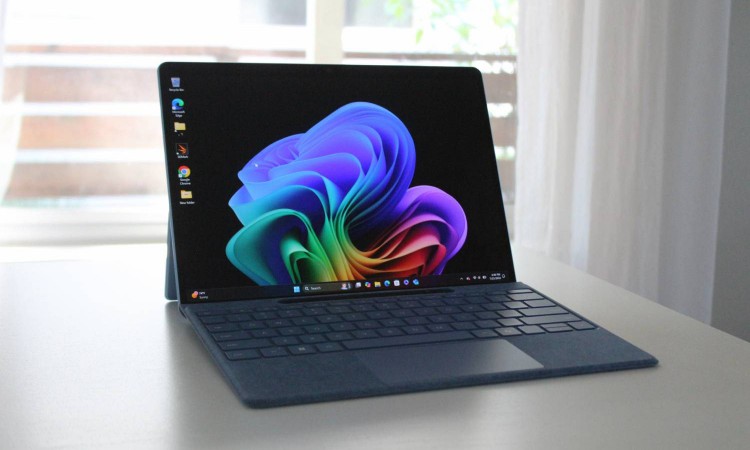
If you bought into the promise of a new AI-charged Copilot+ PC with the latest-gen Intel or AMD processor, and found a few tricks missing, the long wait is over. A handful of those Copilot+ features are finally expanding beyond machines with a Snapdragon X series processor inside.
It’s roughly been a year since Microsoft introduced the Copilot+ PC label, a new breed of computing machines that put AI performance at the forefront. For months, Qualcomm was the sole silicon supplier for such machines.
Late in 2024, rival chipmakers finally got their piece of the Copilot pie with the launch of AMD Ryzen AI 300 series and Intel Core Ultra 200V series processors. That, however, wasn’t enough, as a healthy bunch of those features weren’t accessible on Intel and AMD machines.
That finally changes starting today. Microsoft says Copilot tools such as Live Captions, Cocreator, Restyle Image, and Image Creator are expanding across Copilot+ hardware with an Intel and AMD processor inside.
What is changing?
Starting with Live Caption, this feature enables captions for videos, audio, and real-time interactions such as meetings in English. It can also translate text from more than 40 languages into English, and 27 languages in Chinese.
Down the road, a new feature called Voice Access will allow users to control their PC using natural language commands. It is now rolling out to Copilot+ devices with a Qualcomm chip, but support for AMD and Intel hardware is on the horizon, too.
On the creative side of things, the AI-enabled Cocreator feature is now accessible in Paint irrespective of the silicon inside your PC. Microsoft says it can be used to “make artistic creation and image refinement more intuitive and approachable.” Users can combine text-based editing with hand-drawn input, which is a neat flexibility.

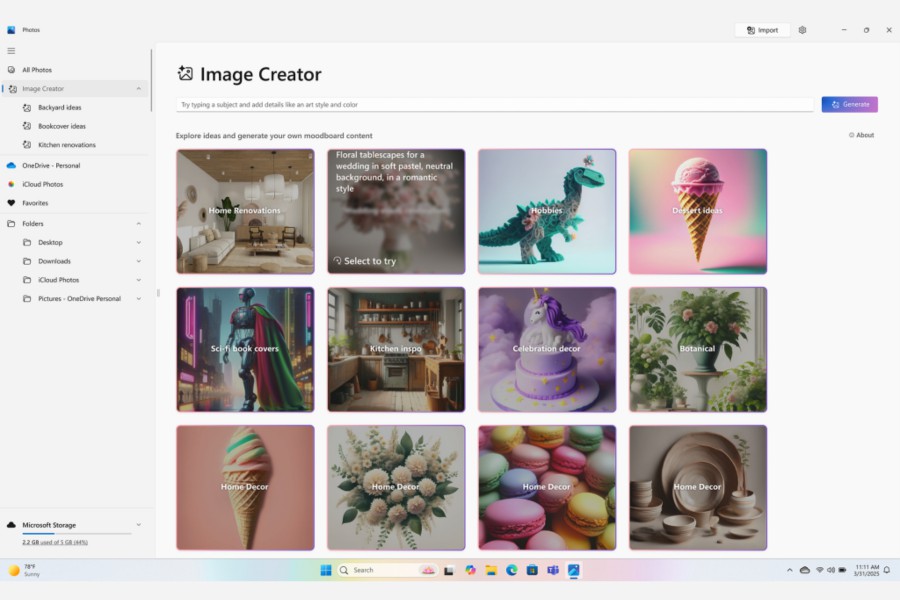
In the Photos app, Intel and AMD machines also get access to the Restyle Image and Image Creator tools. The latter allows you to create images based on text prompts, just the way you engage with ChatGPT to make Ghibli-inspired art. The Restyle tool, on the other hand, takes a preset-like approach for adding artistic effect to images.
All the aforementioned AI experiences are reaching AMD and Intel-powered Copilot+ PCs with the March 2025 Windows update. It’s rather interesting why these features weren’t available on Intel and AMD machines in the first place, despite meeting the minimum AI performance quota.
The poor streak isn’t ending anytime soon, though. A few days ago, Microsoft announced an upgrade to the Windows Search experience that will make it a lot more convenient to find files, photos, and settings tools. Unfortunately, it will be restricted to Snapdragon-based Copilot+ machines.